UX Design · research · 2026
Microsoft Foundry
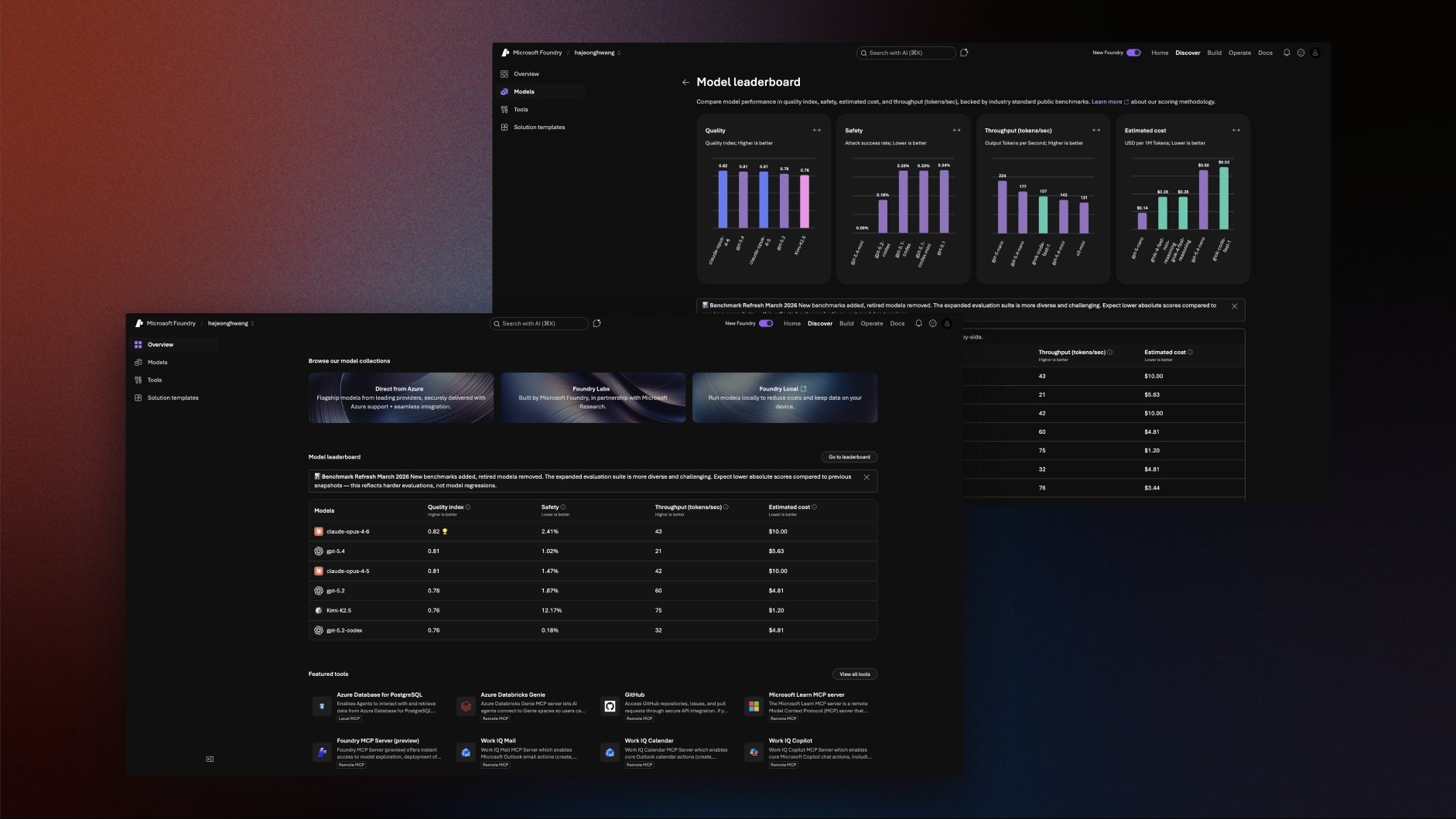
Over Spring 2026, I researched Microsoft Foundry, a comprehensive hub for developers to deploy and experiment with AI agents. Throughout the project, I collaborated with the Microsoft Core AI team to identify key usability issues and deliver design recommendations.
- Role
- UX Researcher
- Timeframe
- Jan 2026 – Mar 2026
- Domain
- AI Developer Platform
- Tools
- FigmaUserTesting
- Collaborators
- Microsoft Core AI TeamHCDE Master’s students
Impact
At the end of the project, our team presented design recommendations based on user research insights to 30+ Core AI researchers, designers, and engineers. These recommendations directly informed the next iteration of Microsoft Foundry, which has since impacted more than 80,000 users.
What is MS Foundry?
A comprehensive platform for AI agent deployment

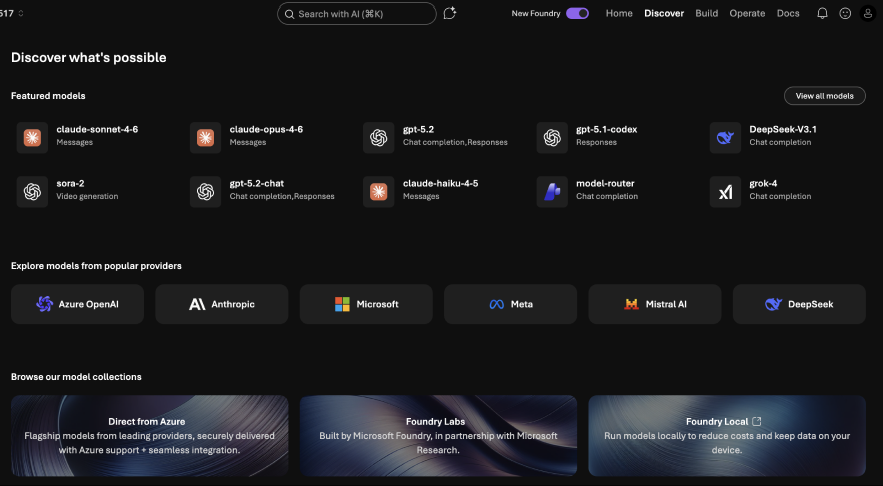
Microsoft Foundry (formerly known as Azure AI Studio) is Microsoft’s unified, enterprise-grade platform for building, deploying, and managing AI applications and intelligent agents.
Target user
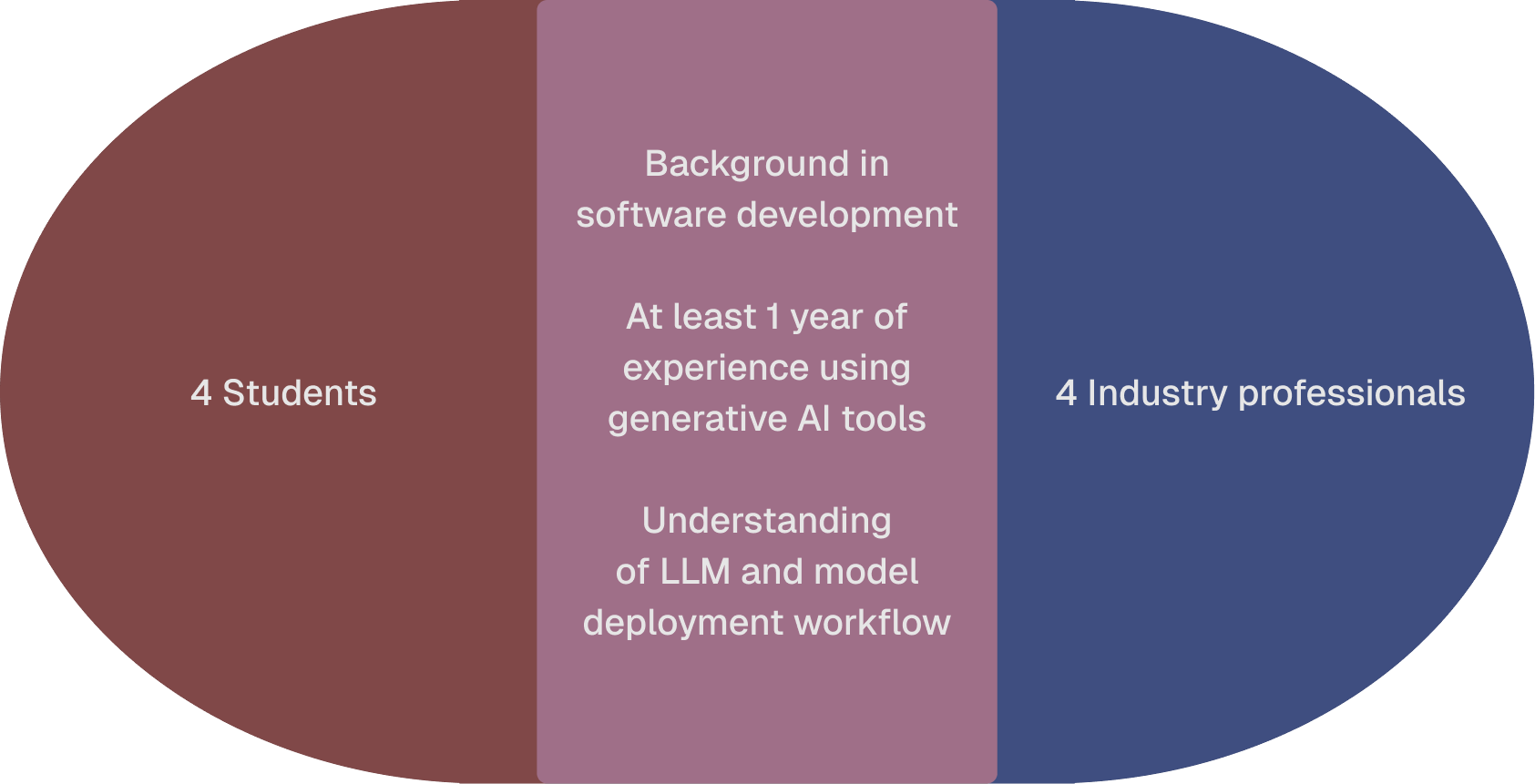
AI developer and software engineer who has a thorough understanding of AI agent development process

Research methodology
Mixed user research method
60 minute sessions
Virtual moderated test
Structured interview &
direct observation tasks
Post task questionnaire
Goal
Our goal was to analyze user behavior while following the North Star Metric
North star metric
Navigation
Understand how users navigate the platform and where they’re drawn to
Discovery
Evaluate how users determine the most suitable AI model and points of friction
Comparison and Understanding
Understand how users evaluate and compare model information
User Experience and Aesthetics
Assess satisfaction with the discovery experience and the efficacy of the redesign
Findings
To help the Core AI team better prioritize improvements, our team organized usability issues into high-, medium-, and low-priority.
Low Discoverability of “Ask AI” Tool
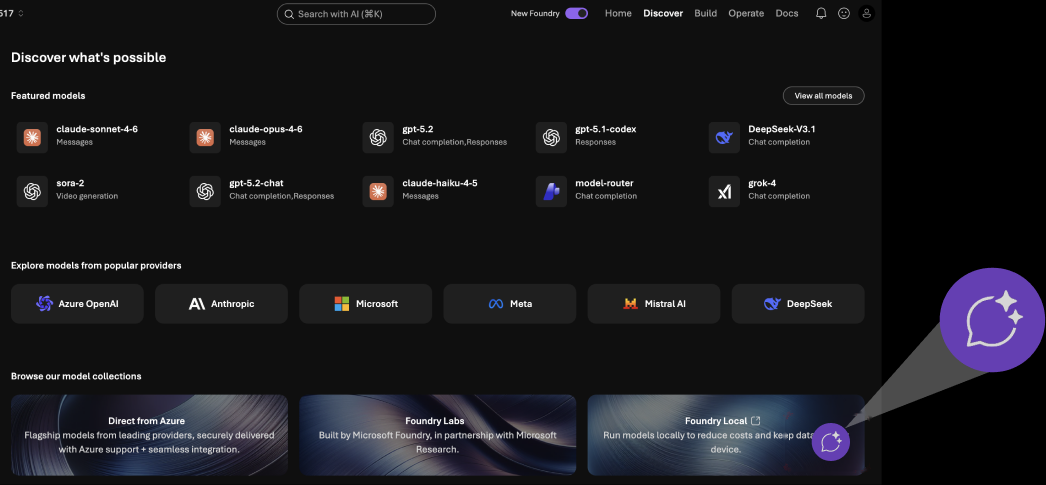
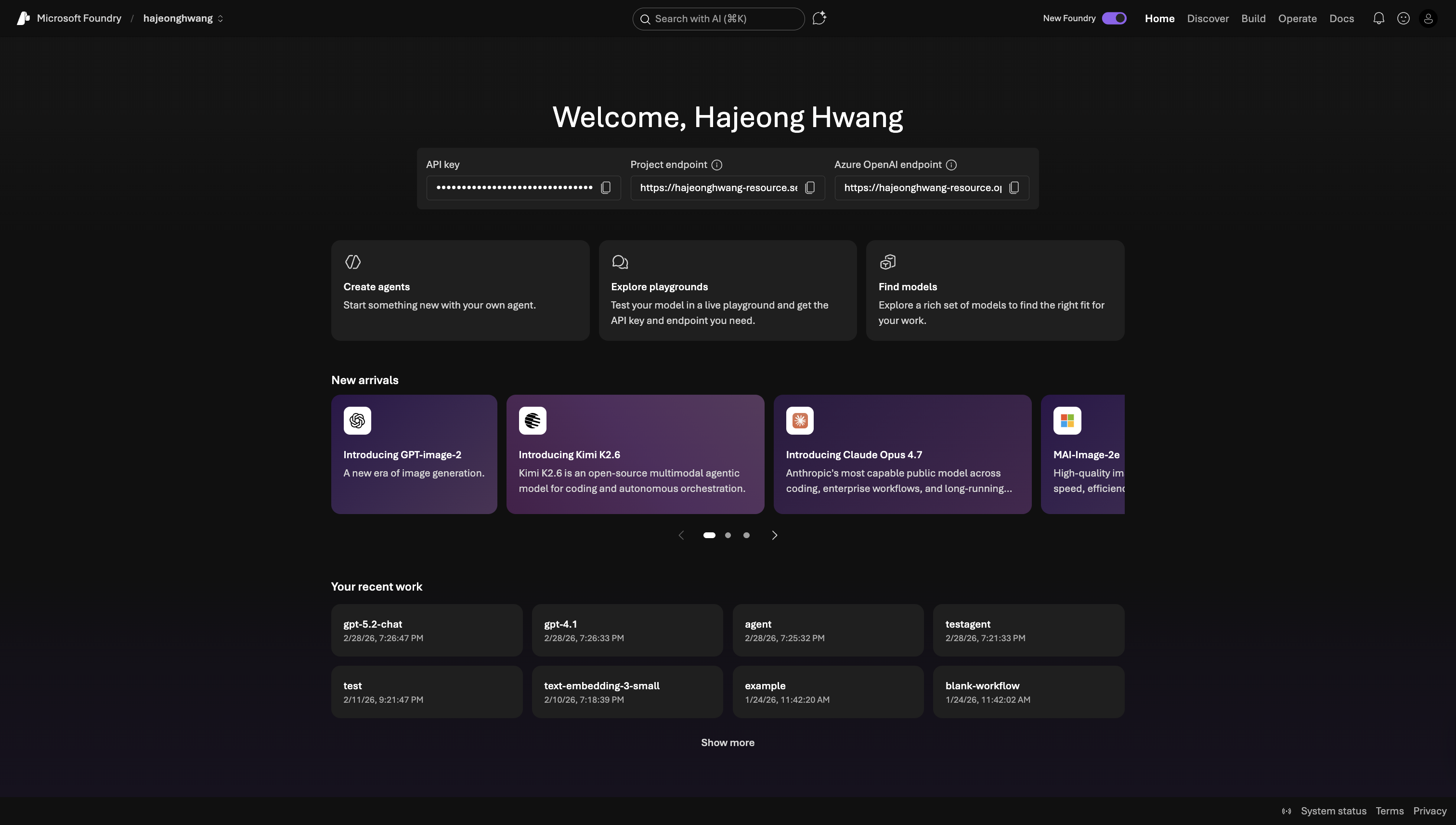
- Many treated “Search with AI” as a standard search bar, missing the capabilities of an AI assistant in “Ask AI”.
- 4 out of 8 used keyword searches (e.g., “Models,” “Chatbot”).
- 1 of 8 interacted with the “Ask AI” chat icon next to the search field.
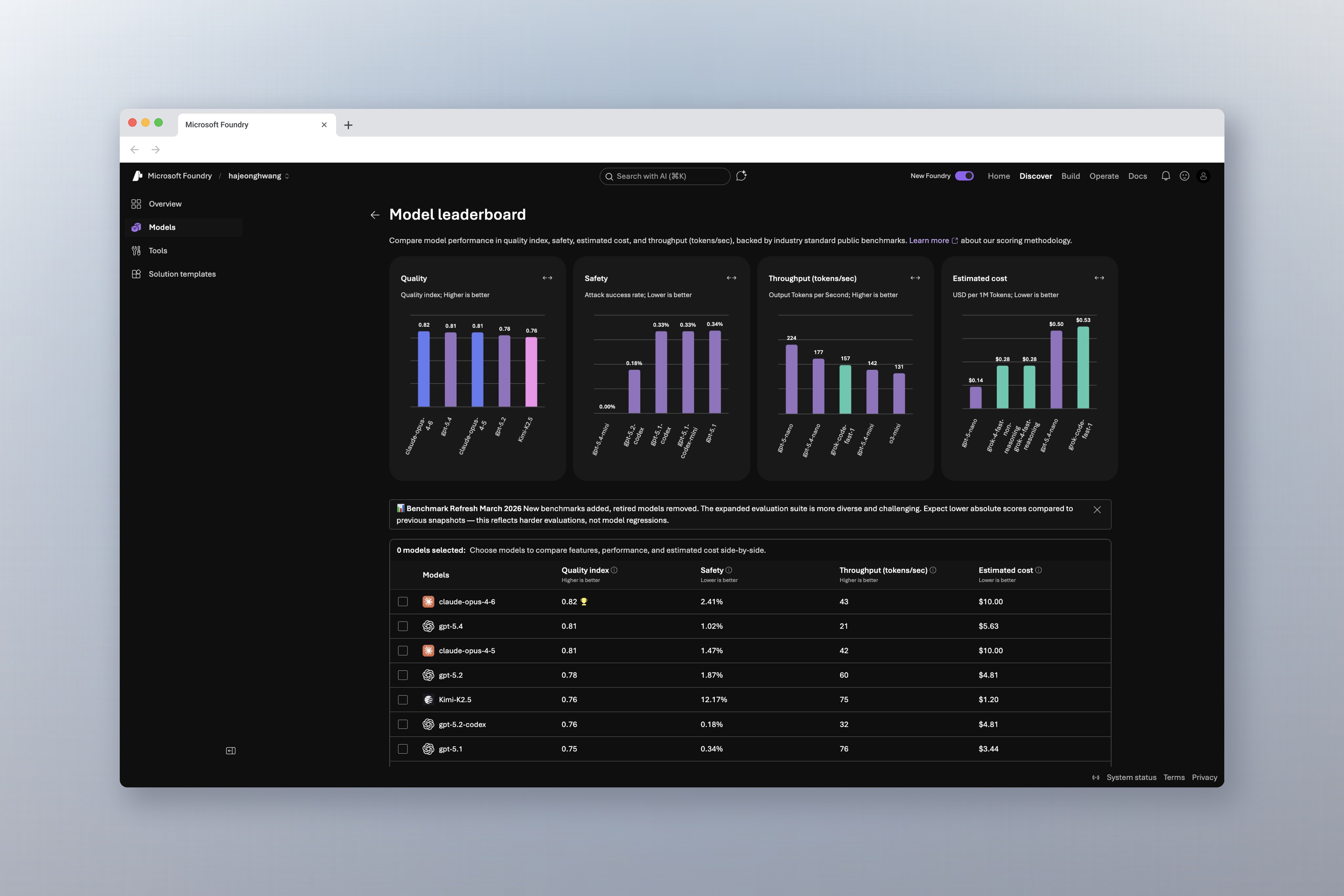
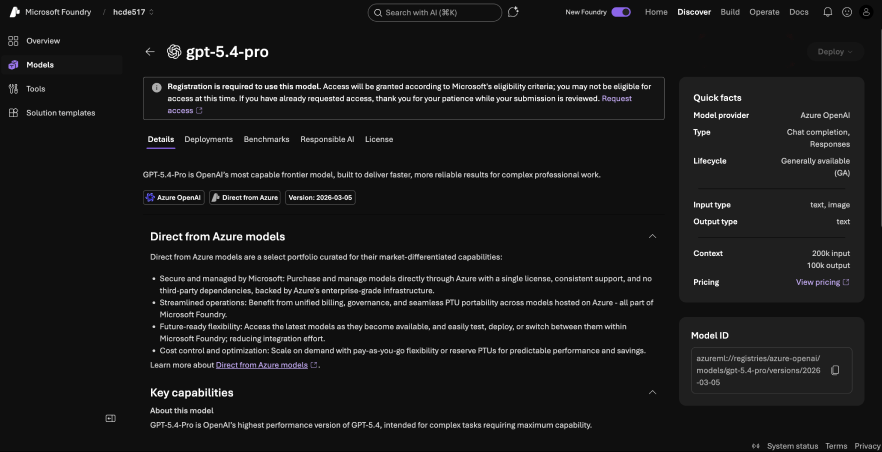
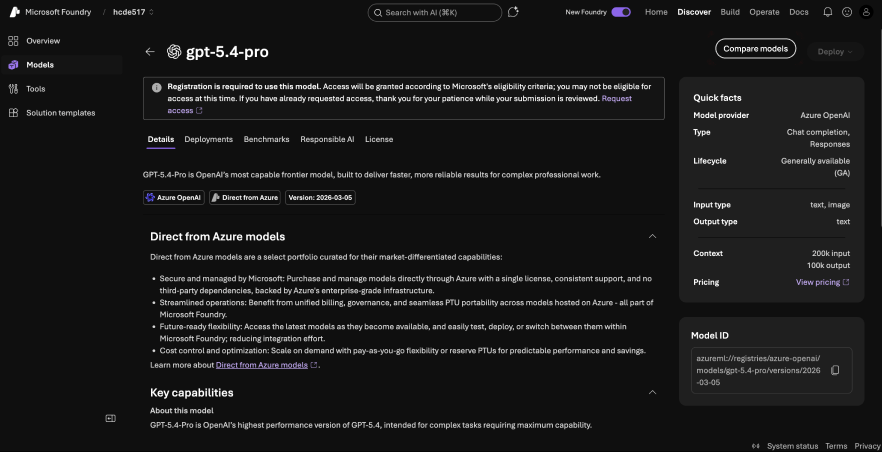
The “Compare Models” feature was generally easy to use — once found
- This chart covers how long it took participants to find the comparison page after being prompted to compare two models. On average, it took 60 seconds to locate the "compare models" feature.
- For five of our participants, it took under 20 seconds for them to locate Compare Models. However, two participants, participant 4 and 7, took 3 minutes to locate the compare models feature. One participant, participant 3, never found the compare models screen.

But why did it take some participants longer than others? It mainly depends on what screen they start searching from.

Benchmark and Endpoint Transparency
- 6 out 8 users expressed how they felt like benchmark metrics lacked adequate context and explanation.
- 3 out of 8 users noted missing benchmark data for certain models, creating confusion and comparison gaps.